
Installation kernel 3.6.9 in Ubuntu/Linux Mint (12.10/12.04 or Mint 14/13)

Chit Ko Ko
Contributor
2 min read
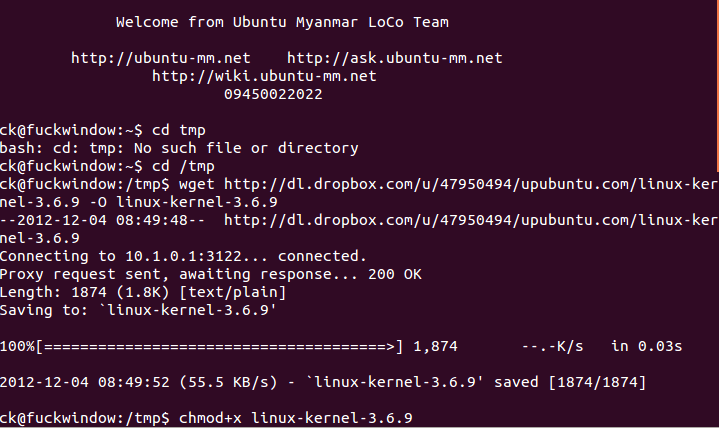
Kernel 3.6.9 ကို Ubuntu 12.10 /12.04 နှင့် Linux Mint 14/ 13 တို့ တွင် install နှင့် uninstall ပြုလုပ်ခြင်း
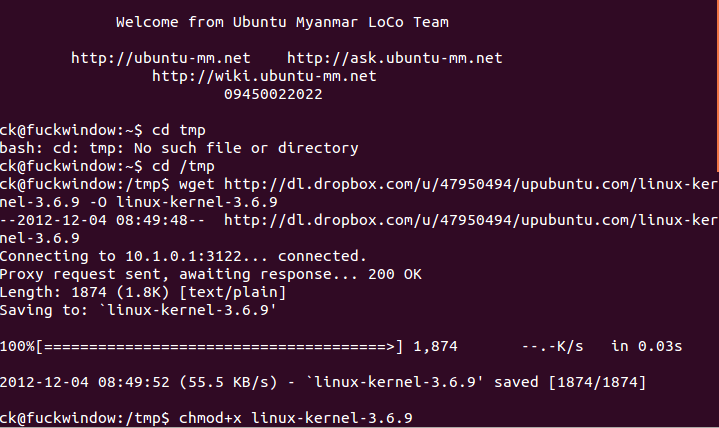
Linux Kernel 3.6.9 သည် bug fixesများ ပြုပြင်၍ ပိုမို ကောင်းမွန်စေသော kernel အသစ် တစ်ခုဖြစ်ပါသည်။
**အသစ်ထပ်မံပြုပြင်ပြောင်းလဲမှု များမှာchangelog:
**
ALSA: hda – Fix missing beep on ASUS X43U notebook
ALSA: ua101, usx2y: fix broken MIDI output
iwlwifi: fix monitor mode FCS flag
radeon: add AGPMode 1 quirk for RV250
drm/radeon: add new SI pci id
mmc: sdhci-s3c: fix the wrong number of max bus clocks
mwifiex: fix system hang issue in cmd timeout error case
x86, efi: Fix processor-specific memcpy() build error
MPI: Fix compilation on MIPS with GCC 4.4 and newer
NFC: Fix nfc_llcp_local chained list insertion
get_dvb_firmware: fix download site for tda10046 firmware
pstore/ram: Fix printk format warning
bas_gigaset: fix pre_reset handling
PM / QoS: fix wrong error-checking condition
jbd: Fix lock ordering bug in journal_unmap_buffer()
can: peak_usb: fix hwtstamp assignment
Linux Kernel 3.6.9 Installation
Kernel 3.6.9 ကိုလွယ်လင့်တစ်ကူ သင်၏ system သို့ထည့်သွင်းနိုင်ရန် Bash Script ကိုဖန်တီးပေးထားပါသည်။ Kernel 3.6.9 ကို စက်အတွင်းထည့်သွင်းရန် အတွက် –
Ubuntu/Linux Mint (12.10/12.04 or Mint 14/13)တို့တွင်ထည့်သွင်းရန်Terminal ကိုဖွင့်ပြီး ၊ အောက်ဖော်ပြပါ commands တို့ကို ရိုက်ပါ။
cd /tmp wget http://dl.dropbox.com/u/47950494/upubuntu.com/linux-kernel-3.6.9 -O linux-kernel-3.6.9
chmod +x linux-kernel-3.6.9
sudo sh linux-kernel-3.6.9
sudo reboot
Linux Kernel 3.6.9 Removal
အကယ်၍သင်သည် ယခင် အတိုင်းပြန်လိုချင်၍ kernel 3.6.9 ကို ပြန်ဖျက်ချင်လျှင် အောက်ဖော်ပြပါ commands ကို terminal တွင်ရိုက်၍ အသုံးပြုနိုင်ပါသည်။
sudo apt-get purge linux-image-3.6.9*
အထက်ဖော်ပြပါ kernel ကိုထည့်သွင်းရင်း ဖြစ်ပေါ်လာသောအခက်အခဲများအတွက် tutorial.
Related posts
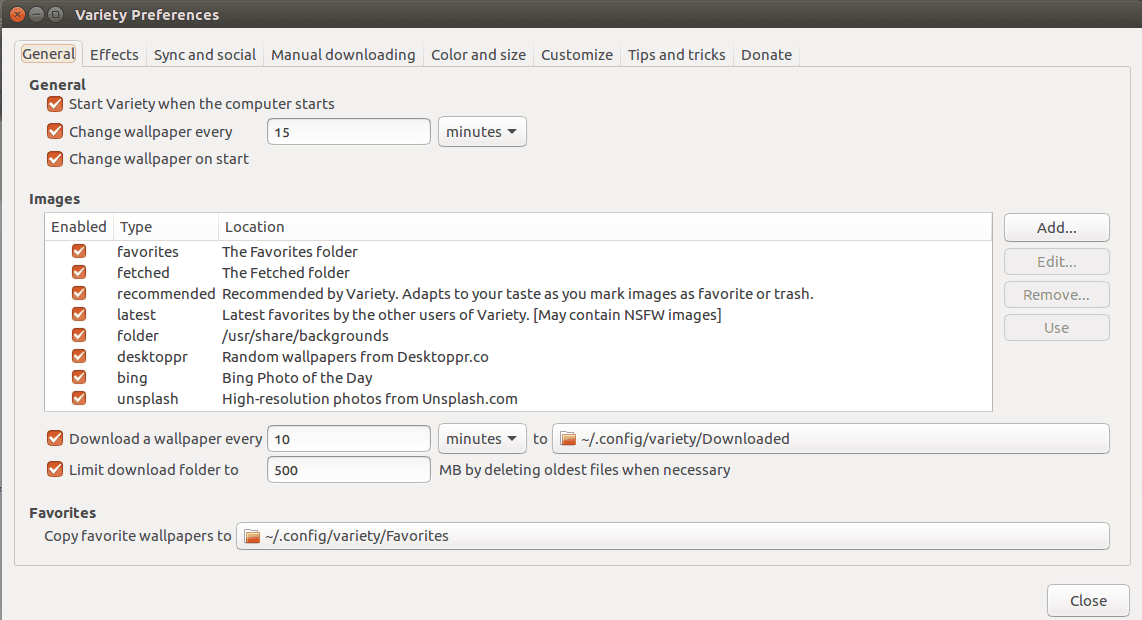
Variety Wallpaper Changer for Ubuntu
Variety Wallpaper Changer for Ubuntu Terminal ကိုဖွင့်ပါ။ ပြီးနောက် အောက်ပါ command တို့ကိုရိုက်ပါ ။ sudo add apt repository ppa:peterlevi/ppa sudo apt get update sudo apt get…
 Chit Ko Ko
1 min read
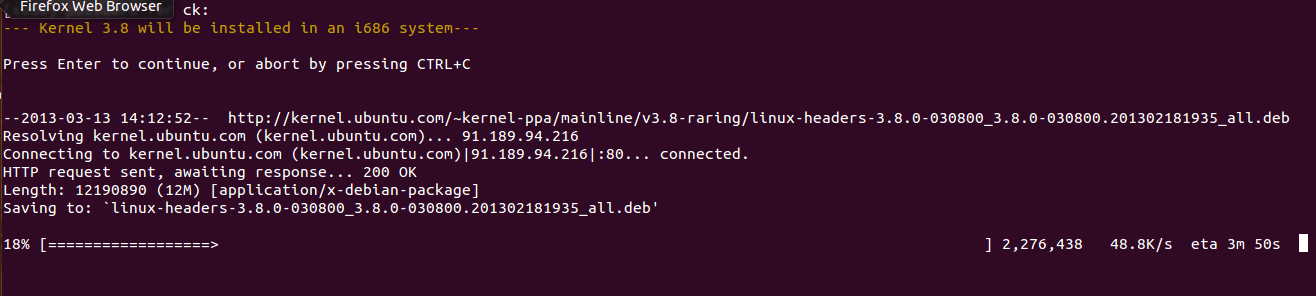
Install/Upgrade to Linux Kernel 3.8.0 Installation in Ubuntu
Install/Upgrade to Linux Kernel 3.8.0 Installation in Ubuntu Linux Kernel 3.8.0 သည် bug fixes ပြုပြင်၍ ပိုမို ကောင်းမွန်စေသော kernel အသစ် တစ်ခုဖြစ်ပါသည်။ Kernel 3.8.0…
Chit Ko Ko1 min read
Ubuntu 18.10 Cosmic Cuttlefish
Ubuntu လို့ခေါ်တဲ့ Linux Distro (Linux Kernel ကိုသုံးသည့် GNU/Linux မူကွဲတမျိုး) ဟာ (၂၅ ပတ်) ၆ လတိုင်း Release လုပ်ပါတယ်။ ၄ လပိုင်းနဲ့ ၁၀ လပိုင်းတွေဖြစ်ပြီး Version ကို…
 Ko Ko Ye
4 min read