
How to install Nitro share in Ubuntu 12.10?

Chit Ko Ko
Contributor
1 min read
NITRO SHARE
A network file-sharing application that makes sending a file to another machine on the local network as easy as dragging-and-dropping.
NITRO SHARE application သည် Local network ပေါ်တွင် လွယ်ကူစွာဖြင့် dragging-and-dropping ပြုလုပ်ယုံဖြင့် အခြားစက်တစ်လုံးအားမျှေ၀ ၊ ပေးပို့နိုင်သော network file-sharing application တစ်ခုဖြစ်ပါသည်။
ဦးစွာ ပထမ အောက်ပါ deb ဖိုင်ကို download လုပ်ပါ။https://launchpad.net/nitroshare/0.2/0.2/+download/nitroshare_0.2_i386.deb
(သို့)Terminal=Ctrl +Alt+T ဖွင့်ပါ၊
wget https://launchpad.net/nitroshare/0.2/0.2/+download/nitroshare_0.2_i386.deb
ပြီးနောက် Terminal=Ctrl +Alt+T ဖွင့်ပါ၊ အောက်ပါ Command ရိုက်ပါ၊
cd Downloads/
sudo dpkg -i nitroshare_0.2_i386.deb
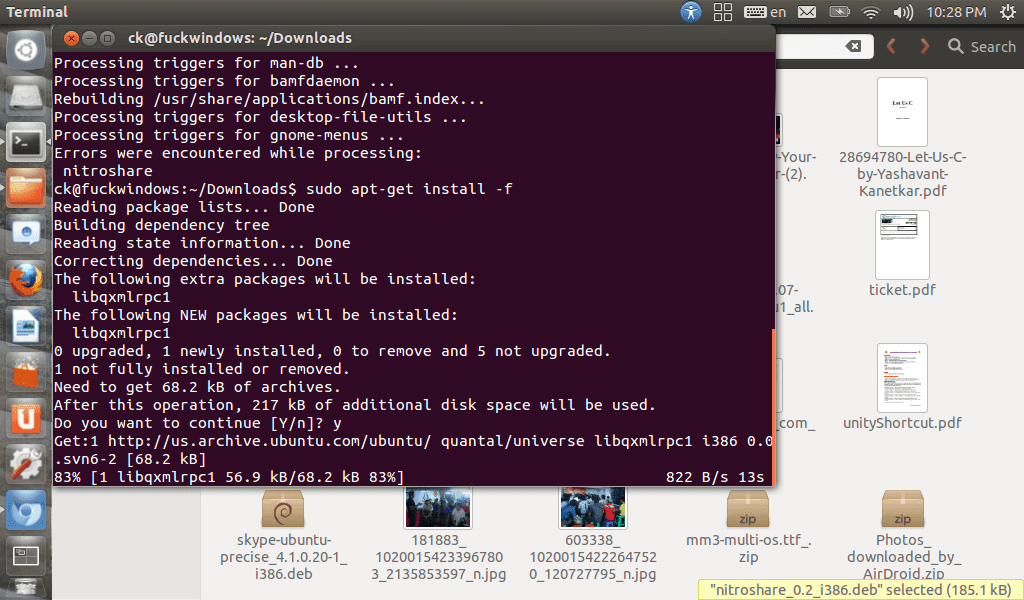
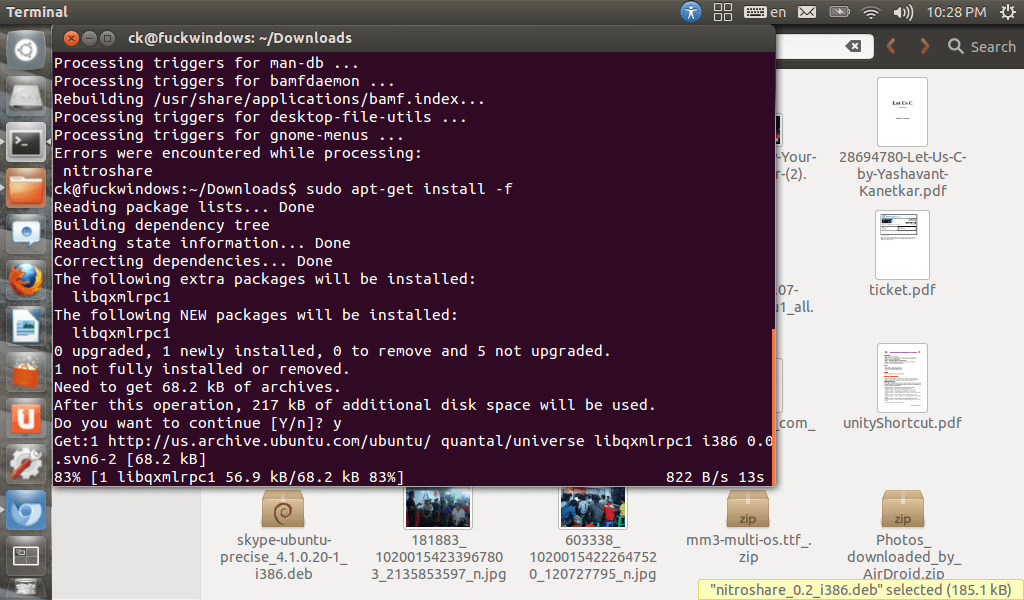
ပြီးနောက် sudo apt-get install -f ဟုထပ်မံရိုက်၍ လိုအပ်သော Dependency များကို ထပ်မံ ၍ download လုပ်ပြီး နောက် သင်အသုံးပြုလိုသော Nitro Share ကို အသုံးပြုနိုင်ပြီ ဖြစ်ပါသည်။
Related posts

ubuntu touch porting / installation guide
အောက်ဖော်ပြပါ devices များသည် Ubuntu touch တင်ရန်အတွက် Target devices များဖြစ်ပါသည်။ သင် android OS ပြန်လည်တင်လိုပါက ပြန်လည် ရယူရမည့် android images များဖြစ်ပါသည်။ Device Android…
 Chit Ko Ko
3 min read
Instructions for flashing a phone or tablet device with Ubuntu
Ubuntu Phone OS ကိုNexus ဖုန ်း သို့ထ ည့်သ ွင ်း နည်း အညွှန်း maguro – Galaxy Nexus mako – Nexus 4 mrouper – Nexus 7 manta – Nexus 10 အဆင့် ၁ ပထမဆုံး သင့်ရဲ့ ဖုန်းကို…
Chit Ko Ko2 min read
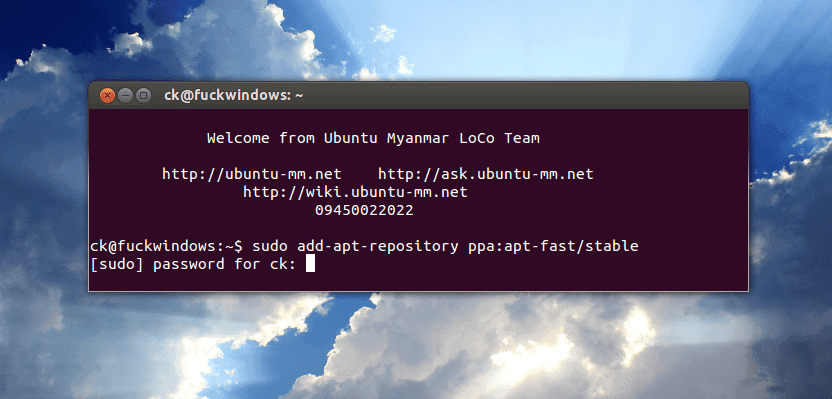
How to install apt-fast in Ubuntu 12.10 ?
Apt fast သည် ပိုမိုကောင်မွန် လျှင်မြန်သော connection ဖြင့် download accelerator များဖြစ်သော Axel or Aria2c တို့ဖြင့် command line မှ အလျှင်အမြန် Package များကို download ဆွဲသော…
Chit Ko Ko1 min read