
how-to-install-oracle-java-7-in-ubuntu ?

Chit Ko Ko
Contributor
2 min read
java ကို Ubuntu မှာထည့်သွင်းရန်အောက်ပါအတိုင်းလုပ်ဆောင်ပါ-
အောက်ပါ command ကို terminal တွင် ရိုက်ပါ –
sudo apt-get purge openjdk*
java7 ကို အခြားသော PPA များ မှ ထည့်သွင်းခဲ့ လျှင် အောက်ပါအတိုင်း command ကို terminal တွင် ရိုက်ပါ
sudo apt-get purge oracle-java7-installer*
sudo rm /etc/apt/sources.list.d/*java*
sudo apt-get update
oracle java 7 ကို Ubuntu 13.10/13.04/12.10/12.04 တို့တွင် install ပြုလုပ်နိုင်ရန် –
အောက်ပါ command ကို terminal တွင် ရိုက်ပါ
sudo add-apt-repository ppa:webupd8team/java
sudo apt-get update
sudo apt-get install oracle-java7-installerinstallation ပြုလုပ်၍ အောက်ဖော်ပြပါ error code (1) ကြုံ့တွ့ရပါက—–
Do you want to continue [Y/n]? y
Setting up oracle-java7-installer (7u45-0~webupd8~0) …
Downloading Oracle Java 7…
–2013-11-10 11:23:01– http://download.oracle.com/otn-pub/java/jdk/7u45-b18/jdk-7u45-linux-x64.tar.gz
Resolving download.oracle.com (download.oracle.com)… failed: Name or service not known.
wget: unable to resolve host address ‘download.oracle.com’
download failed
Oracle JDK 7 is NOT installed.
dpkg: error processing oracle-java7-installer (–configure):
subprocess installed post-installation script returned error exit status 1
Setting up firefox (25.0+build3-0ubuntu0.13.10.1) …
update-alternatives: error: alternative path /usr/bin/firefox doesn’t exist
dpkg: error processing firefox (–configure):
subprocess installed post-installation script returned error exit status 2
Processing triggers for libc-bin …
Processing triggers for initramfs-tools …
update-initramfs: Generating /boot/initrd.img-3.11.0-13-generic
Processing triggers for ca-certificates …
Updating certificates in /etc/ssl/certs… 0 added, 0 removed; done.
Running hooks in /etc/ca-certificates/update.d….done.
Errors were encountered while processing:
oracle-java7-installer
firefox
E: Sub-process /usr/bin/dpkg returned an error code (1)
အောက်ပါ command တို့ဖြင့် terminal တွင်အဆင့်ဆင့် လုပ်ဆောင်ပါ
sudo rm /var/lib/dpkg/info/oracle-java7-installer*
sudo apt-get purge oracle-java7-installer*
sudo rm /etc/apt/sources.list.d/*java*
sudo apt-get update


ပြီးနောက်ပြန်လည်၍ installation ပြုလုပ် လိုပါက အပေါ် မှ Installation command ဖြင့်ပြန်လည်ထည့်သွင်းပါ ။
Related posts

Install Oracle Java on Ubuntu
Ubuntu မှာ openjdk java 7 runtime ကို software center ကနေ သွင်းလို့ရပါတယ်။ ဒါပေမယ့် oracle က Java 8 ကိုသွင်းခငျ်တဲ့သူ လိုအပ်လို့ သွင်းရမယ့်သူတွေအတွက် installation လုပ်တာကို…
 Thohi
Thohi4 min read
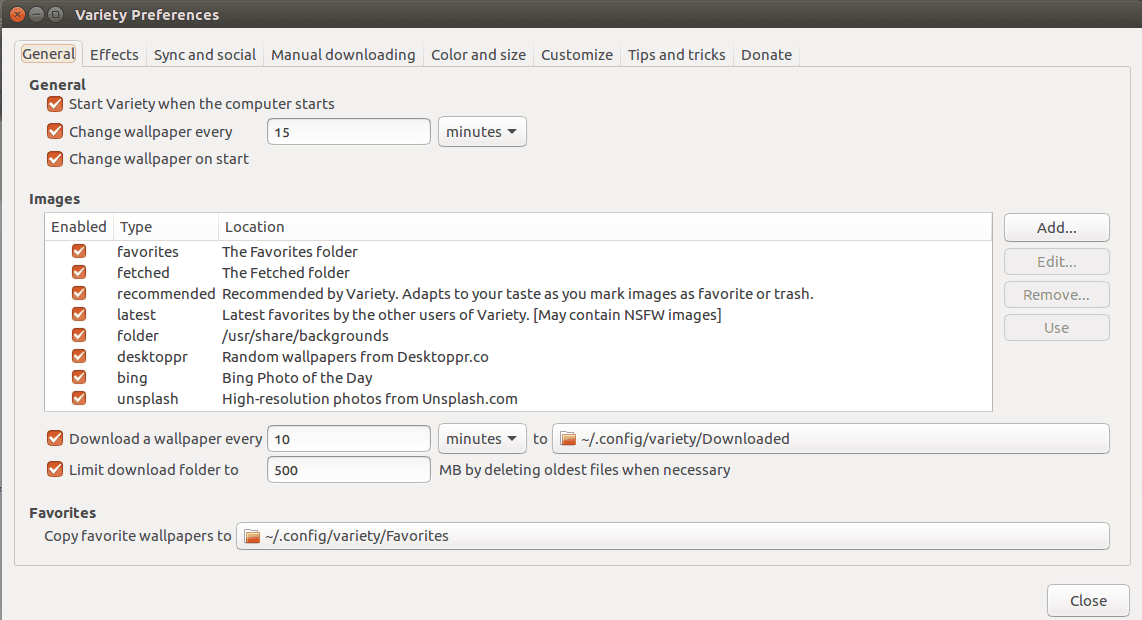
Variety Wallpaper Changer for Ubuntu
Variety Wallpaper Changer for Ubuntu Terminal ကိုဖွင့်ပါ။ ပြီးနောက် အောက်ပါ command တို့ကိုရိုက်ပါ ။ sudo add apt repository ppa:peterlevi/ppa sudo apt get update sudo apt get…
 Chit Ko Ko
1 min read
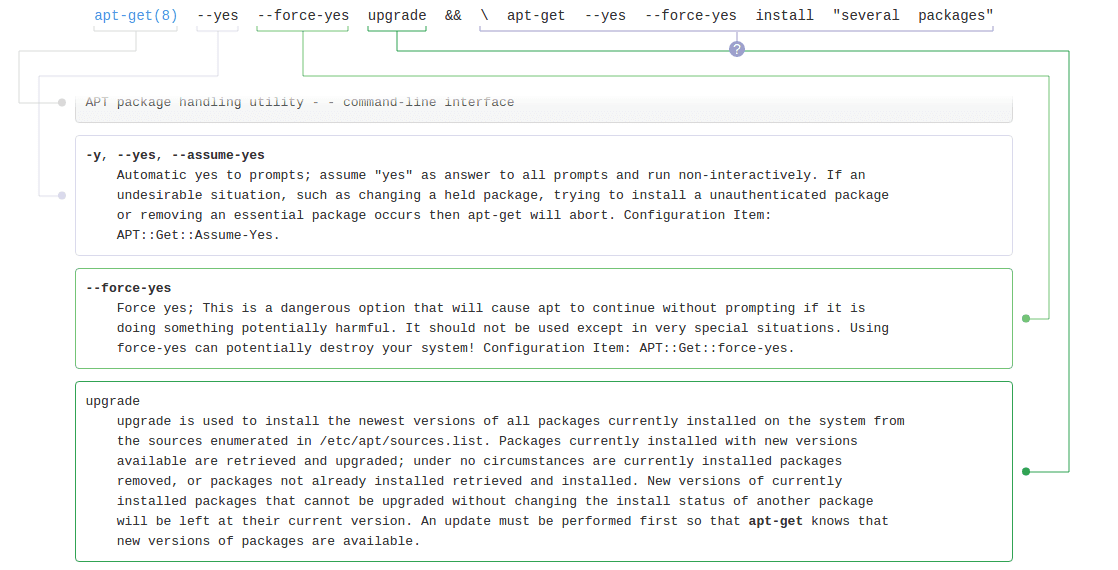
how to update, install and upgrade in Ubuntu Terminal ?
sudo bash apt get update && \ apt get –yes –force yes upgrade && \ apt get –yes –force yes install “several packages” && \ apt get autoclean && poweroff 1)sudo bash သာမန် sudo နဲ့…
Chit Ko Ko1 min read