
How to backup your Raspberry Pi bootable SD card in Ubuntu ?

Chit Ko Ko
Contributor
1 min read
Using dd to backup a PI SD
sudo fdisk -l

သင်၏ SD card ကိုစာဖြင့်ရေးမှတ်ထားပါ။ အများစုကို /dev/sdb1 ဟုတွေ့မြင်ရပါမည် ။
မှတ်ချက် ။။ သင်backup လုပ်လိုသော SD card မှ အပ အခြား SD Card / Memory Stick မျျားကို သင်၏စက်နှင့်မချိတ်ဆက်ထားရ။
အောက်ဖော်ပြပါ command သည် SD card ကို image file ပြုလုပ်နိုင်ပါသည် ။
sudo dd bs=4M if=/dev/sdb | gzip > /home/your_username/image`date +%d%m%y`.gz
***``your_username``= သင်၏ user account အမည်
အောက်ဖော်ပြပါ command သည် image file ကို listပြုလုပ်နိုင်ပါသည် ။
ls | grep image
အောက်ဖော်ပြပါ command သည် backup image file ကို SD card သို့ restore ပြန်လည်ပြုလုပ်နိုင်ပါသည် ။
sudo gzip -dc /home/your_username/image.gz | dd bs=4M of=/dev/sdb
Related posts
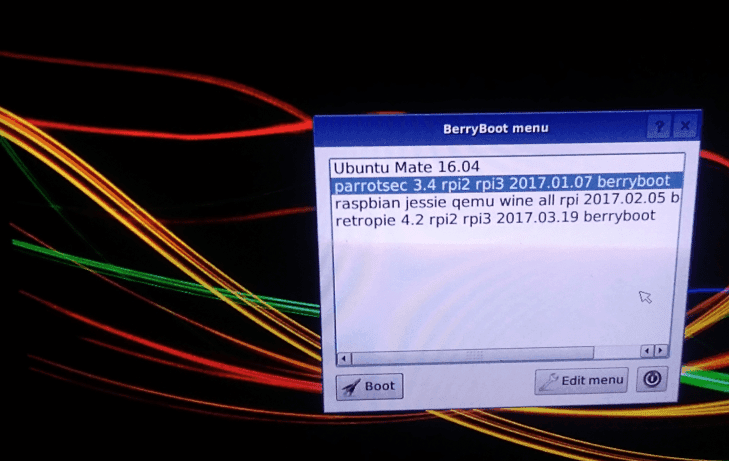
Raspberry Pi Multiboot with berryboot – Parrotsec run GNS3 cisco on RaspberryPi
RaspberryPi Multiboot with berryboot Parrotsec run GNS3 cisco on RaspberryPi ပထမဆုံး Browser ကနေပြီတော့ https://sourceforge.net/projects/berryboot/ berryboot zip file ကို ဒေါင်းပါ…
 Ko Ko Ye
2 min read

Raspberry Pi ရဲ့ GPIO အကွောငျး
Raspberry Pi ဘာလဲဆိုတာတော့ မရှင်းပြတော့ပါဘူး။ ကျွန်တော်တို့ Ubuntu Myanmar LoCo Team ရဲ့ ဆေးထိုးကြမ်းခကျ်တွေကြောင့် တော်တော်များများ ရင်းနှီးပြီးသားဖြစ်နေပြီလို့ မျှော်လင့်ပါတယ်။…
 Thohi
Thohi3 min read
Raspberry Pi အား Network ပေါ်မှတဆင့် Remote Desktop အသုံးပြု၍ထိန်းချုပ်ခြင်း
This article is original by Ethan Kurt . Raspberry Pi အား Network ပေါ်မှတဆင့် Remote Desktop အသုံးပြု၍ထိန်းချုပ်ခြင်း ကျနော်တို့ Raspberry Pi အား Network ပေါ်မှတဆင့် Share…
 Chit Ko Ko
4 min read