
Gnome dash fix

Wai Yan Win Htain
Contributor
1 min read
Ubuntu Gnome Desktop မှာ application launcher တွေကို categories ခွဲပြီးသိမ်းပေးမဲ့ script
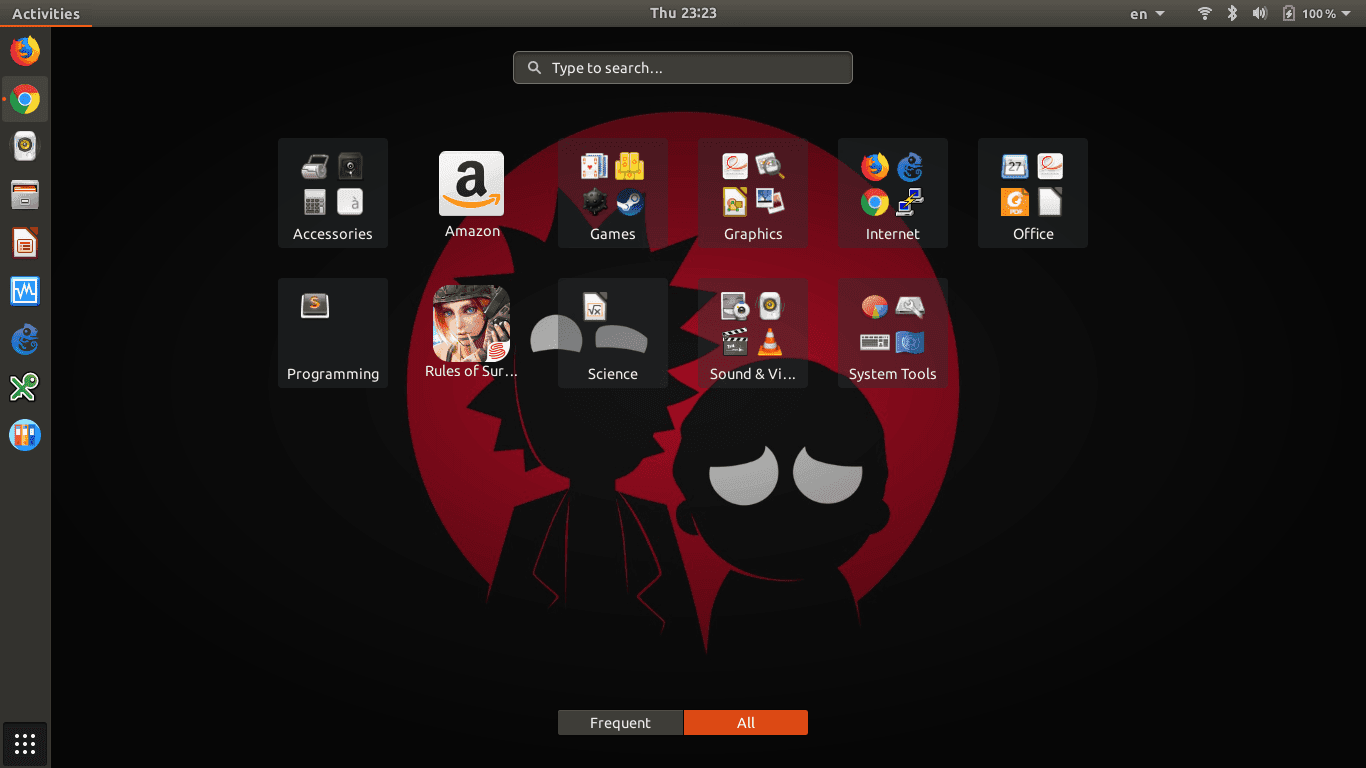
Ubuntu Gnome Desktop မှာ application menu ဖွင့်ရင် applications တွေက alphabetical လိုက် စီထားတာကိုတွေ့ရမှာပါ။
app နည်းနည်းပဲရှိရင်မသိသာပေမဲ့ app တွေများလာတဲ့အခါ ကိုယ်သုံးချင်တဲ့ app ကိုလိုက်ရှာနေရတာနဲ့တင် တော်တော်ကြာနိုင်ပါတယ်။ အဲ့တော့ app တွေကို သူတို့ရဲ့ functions ပေါ်မူတည်ပြီး categories လေးတွေခွဲထားရင် ရှာရတာပိုအဆင်ပြေပါတယ်။
ဥပမာအားဖြင့် web-browsers တွေ၊ mail client တွေ နဲ့ torrent downloader တွေကို Internet ဆိုတဲ့ categories အောက်၊ Librea Office တို့၊ thunderbird တို့ကို Office ဆိုတဲ့ categories အောက် စသည်ဖြင့် အသီးသီးခွဲပေးထားရင် ရှာရပိုလွယ်ပါတယ်။
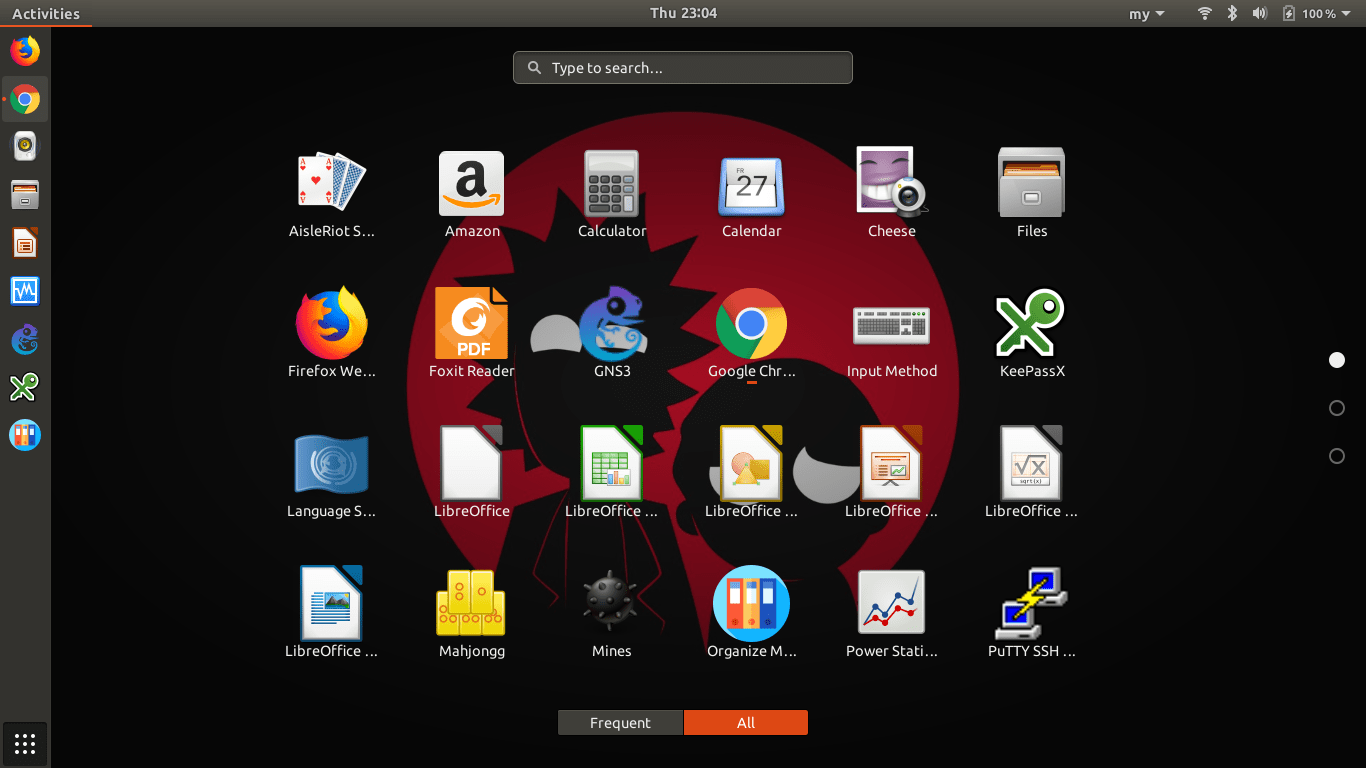
Gnome Shell မှာ default app menu အနေနဲ့ frequent နဲ့ all ဆိုပြီး အပိုင်းနှစ်ပိုင်းပါပါတယ်။
frequentကတော့ အသုံးများတဲ့ app တွေကိုပြပေးထားတာဖြစ်ပြီး all ကတော့ ကိုယ့်စက်ထဲမှာသွင်းထားတဲ့
app အကုန်လုံးကိုပြပေးထားတာပါ။အခုပြောပြမဲ့ Gnoem-dash-fix ဆိုတဲ့ script ကတော့ app menu ထဲက
ရှုပ်ပွနေတဲ့ app တွေကို သက်ဆိုင်ရာ categories အသီးသီးခွဲပေးမှာပါ။
ဒီ script ကို Ben Gordfrey က ရေးထားတာဖြစ်ပါတယ်။
Script ကို download ဆွဲမယ်ဆိုရင် မိမိစက်ထဲမှာ “git” program ကိုအရင် install လုပ်ထားရမှာပါ။
sudo apt-get install git
git သွင်းပြီးပြီဆိုရင်တော့
git clone https://github.com/BenJetson/gnome-dash-fix.git
လို့ရိုက်ပြီး gnome-dash-fix ကို download ဆွဲလိုက်ပါ။
Download လုပ်ပြီးသွားရင်
cd gnome-dash-fix
./appfixer.sh
ဆိုပြီး run ပေးရမှာပါ။
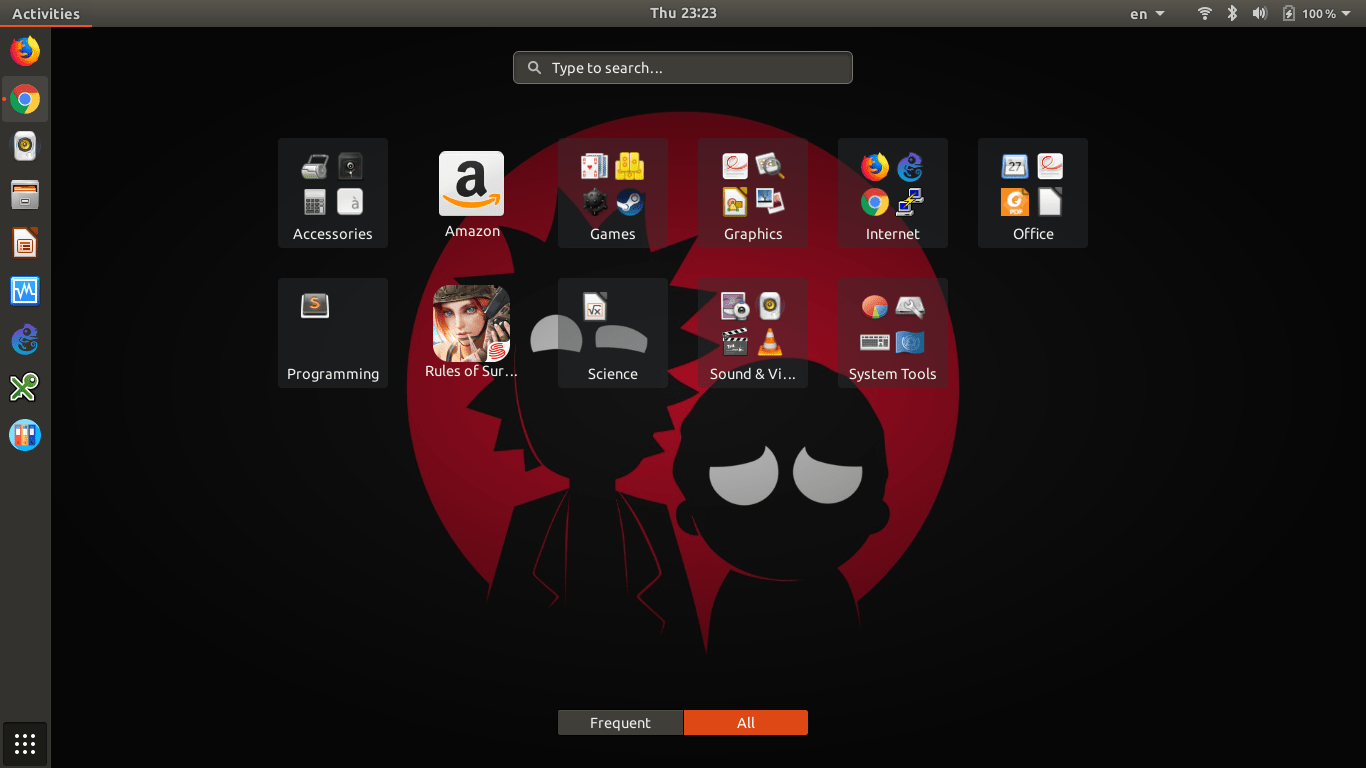
Run ပြီးပြီဆိုရင်တော့ screenshot ထဲကအတိုင်း Categories ခွဲပြီးသား app menu ကိုရပါပြီ။
Related posts
Ubuntu 21.10 Install Demo
Ubuntu 21.10 Is released. https://releases.ubuntu.com/21.10/ https://youtu.be/pQBL0dDYWxI Estimate: 10 Min Play Speed: x4
 Ko Ko Ye
1 min read
Ubuntu 21.10 Release Date and Features
Featured News Ubuntu Ubuntu 21.10 ကတော့ မကြာသေးခင်က ထွက်ရှိထားတဲ့ Gnome 40, GCC11 နဲ့ Flutter toolkit ပိုင်း စုံစုံလင်လင်နဲ့ ထွက်ရှိလာတော့မှာပဲဖြစ်ပါတယ် Release Dates Beta…
Ko Ko Ye1 min read
Ubuntu 19.10 (Eoan Ermine)
Ubuntu 19.10 Code Name – Eoan Ermine လို့ နာမည်ပေးထားတဲ့ Version အသစ်ဟာ ယခုလ ၁၇ ရက်နေ့ မှာ stable ထွက်လာတော့မှာဖြစ်ပါတယ် Beta Version ကို စမ်းသပ်ချင်ရင်တော့ ဒီမှာ ISO Download…
Ko Ko Ye1 min read